Progress Pals for StimuWrite
A downloadable addon
Progress Pals is a collection of fun characters that act as alternatives to the progress bar! As your word count increases, each of the four included Pals progresses in their own unique way, reaching their goal along with you. You can even customize their size to place them perfectly in your writing environment.
Meet the Pals
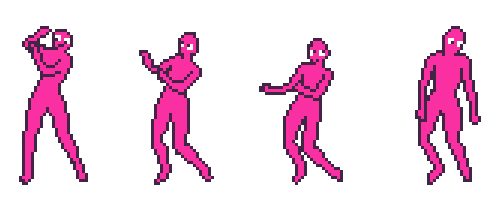
Tiny Dancer
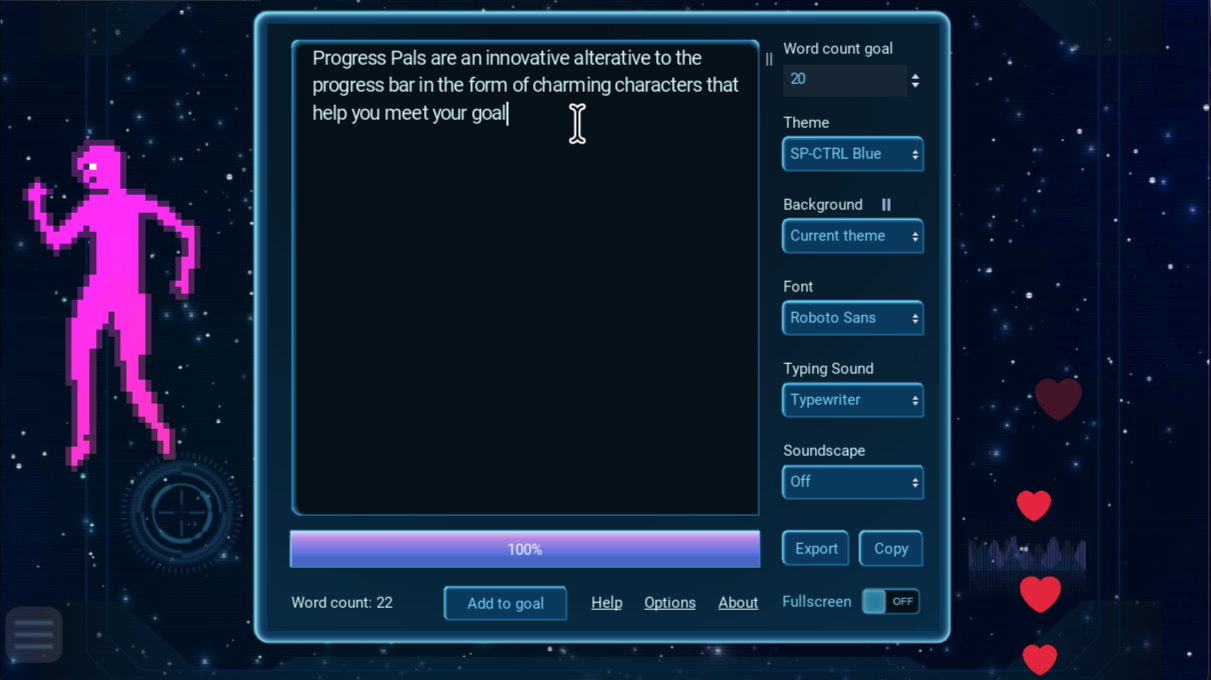
This little dancer needs motivation to express themself, and they get it from your words! As you get close to your goal, their dancing becomes more enthusiastic. Dancer is the move when you need a mood boost, like writing to high energy music, or need an extra dose of visual stimulation to motivate.
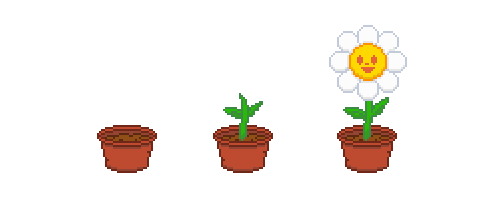
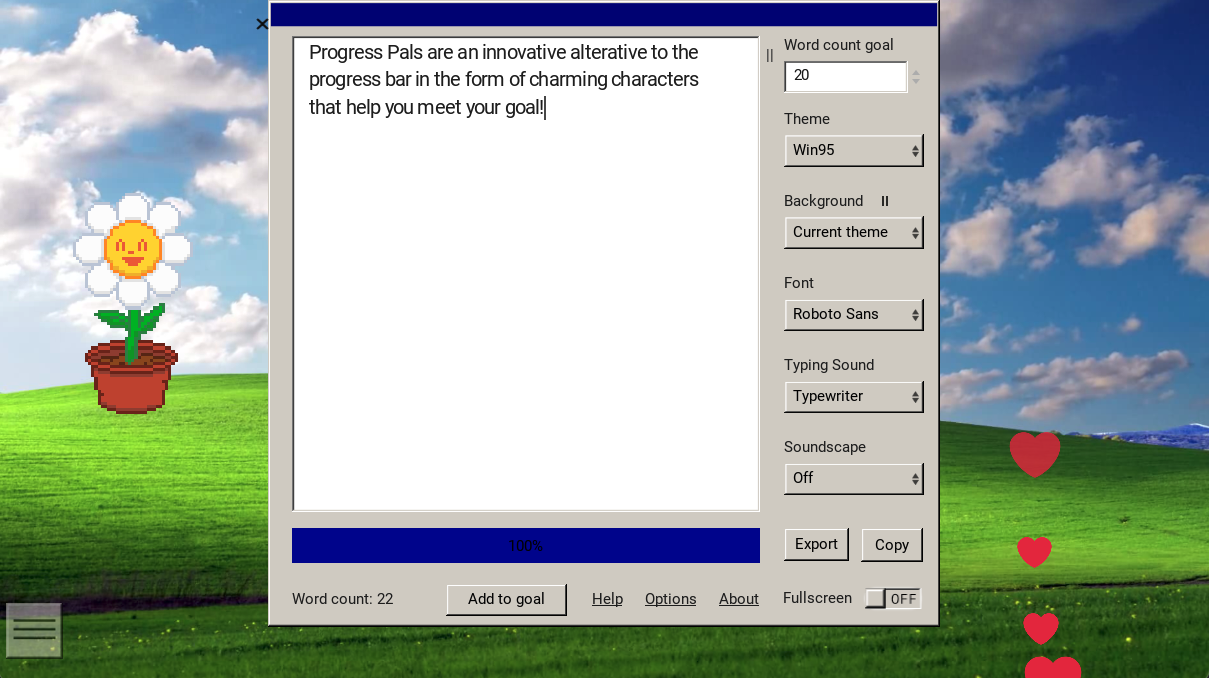
Determined Flower
Help this cute little flower grow, they are thirsty for your words! Flower is perfect if you want your pal to update slowly and subtly without being too distracting.
Determined Flower is also perfect for lower word count goals!
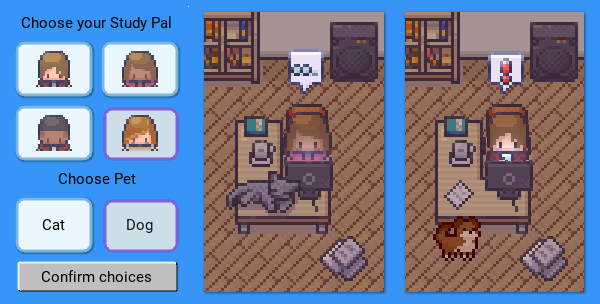
Study Buddy
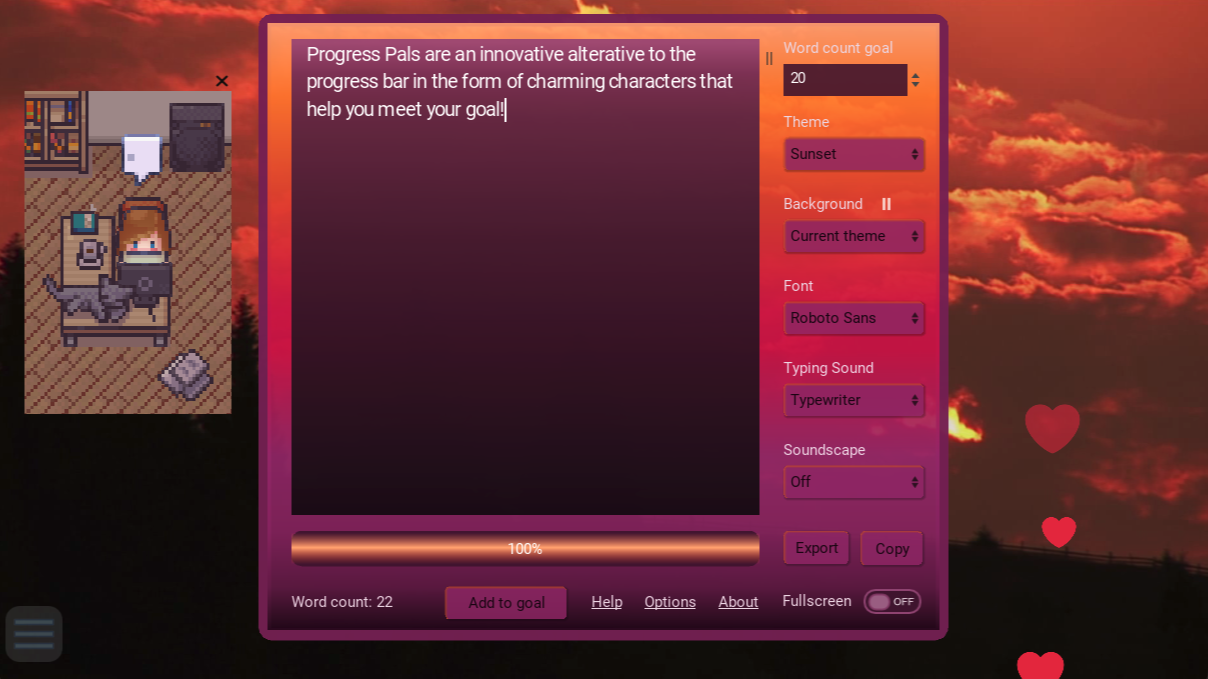
Some times you just need someone to hang out with you and keep you on track. Study Buddy is here for you, even if you're writing late into the night. If you stop typing for too long, Study Buddy gets distracted too and goes on their phone. Don't let them down!
Choose from four different study buddies and pick their pet!
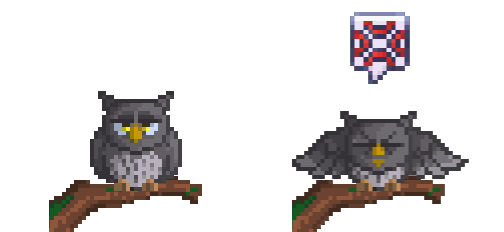
Cranky Owl
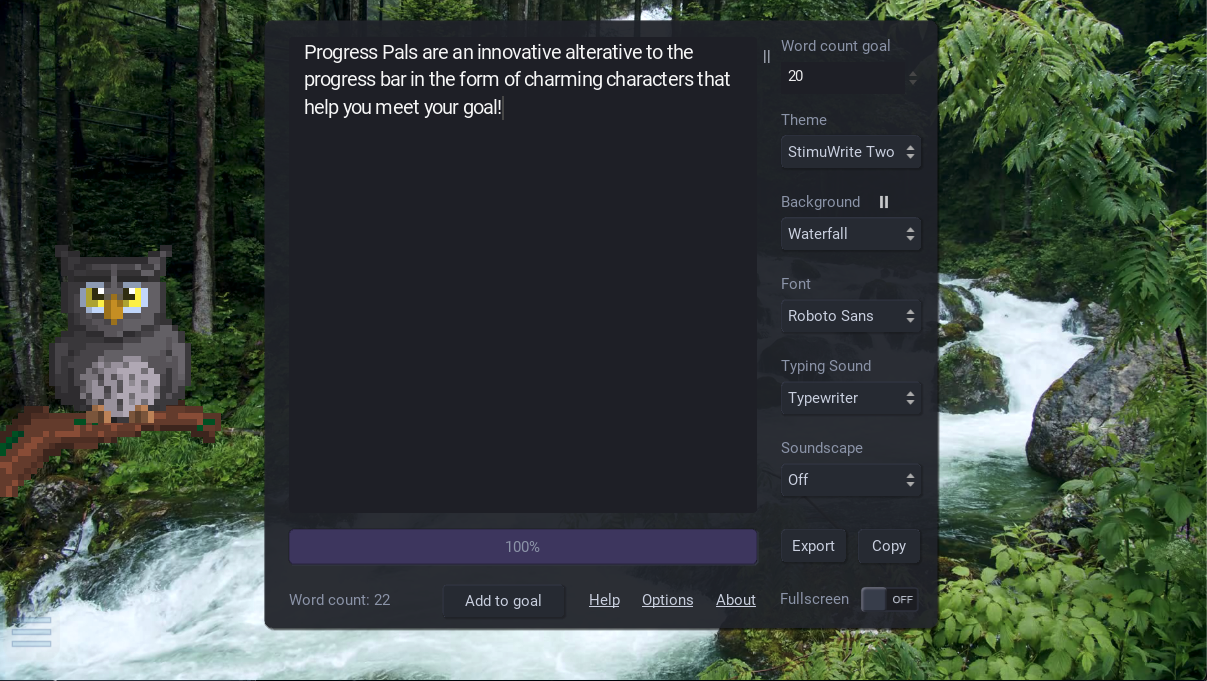
Owl can't sleep, unless he hears the soothing sounds of your fingers on the keys. Don't stop writing for too long or you'll disrupt his slumber and he'll yell at you!
This guy is cranky, so don't mess with him: keep writing.
Progress Pals Credits
Study Pal dog art: Brysia
All Other Study Pal art: LimeZu's Modern Interiors
Owl art: Distracted Wolf
Owl sounds: depw19992
Testing: Gisele Dute
Everything else: Eve Harms
No AI was used for any part of this project!
Installation instructions (click me) 👋
- Download the add-on from the itchio website (not desktop client)
- In StimuWrite version 2.3.6 and above, click the "Options" link button at the bottom of the writing panel next to "About"
- Select "Install Themes & Add-ons"
- Click "Install Theme or Add-on" button and select the add-on file in your file folder
- That's it! The addon will appear in the new addon bar, accessible from a hamburger menu on the bottom left corner of the app (or bottom right if your emojis are on the left)
To delete the theme after installation: Use the Options > Manage Themes & Addons dialog. Or, if you are uninstalling StimuWrite and want to make sure the add-ons are removed from your computer, make sure to go to Options > Advanced Settings > Delete All. This will delete all StimuWrite content from your hard drive.
Purchase
In order to download this addon you must purchase it at or above the minimum price of $5 USD. You will get access to the following files:
Comments
Log in with itch.io to leave a comment.
I LOOOOOVE PROGRESS PALS ♥